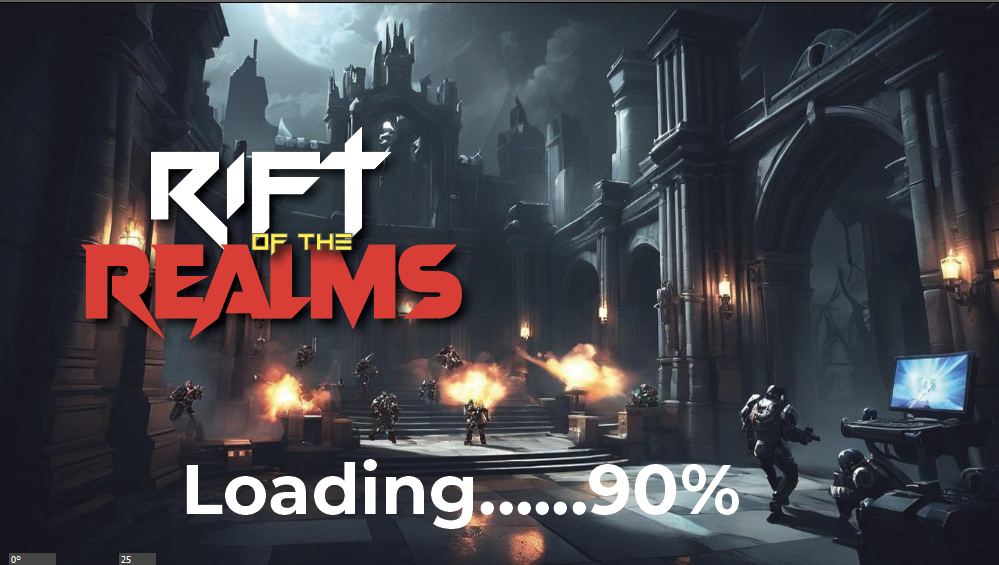
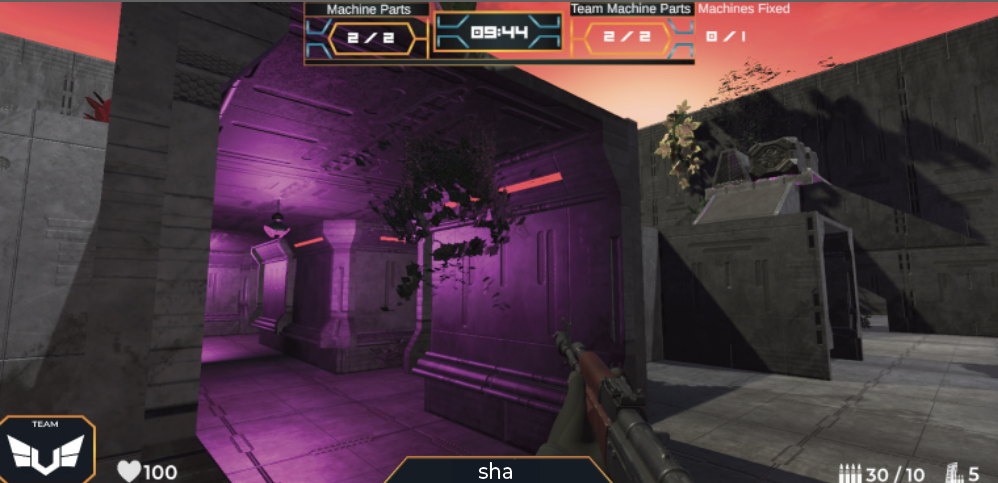
Following our successful visual upgrades, our focus shifted to refining the win condition mechanics and the game over scene. First off, I'd like to express my gratitude to Lakshay for implementing theme specific lighting across both maps, which has significantly enhanced quality of our environments.
Game Over Scene Development
For the game over scene, we initiated the design with a dynamic text animation to signal the end of the game. I created this animation in Adobe Premiere Pro, showcasing the "Round Over" message.
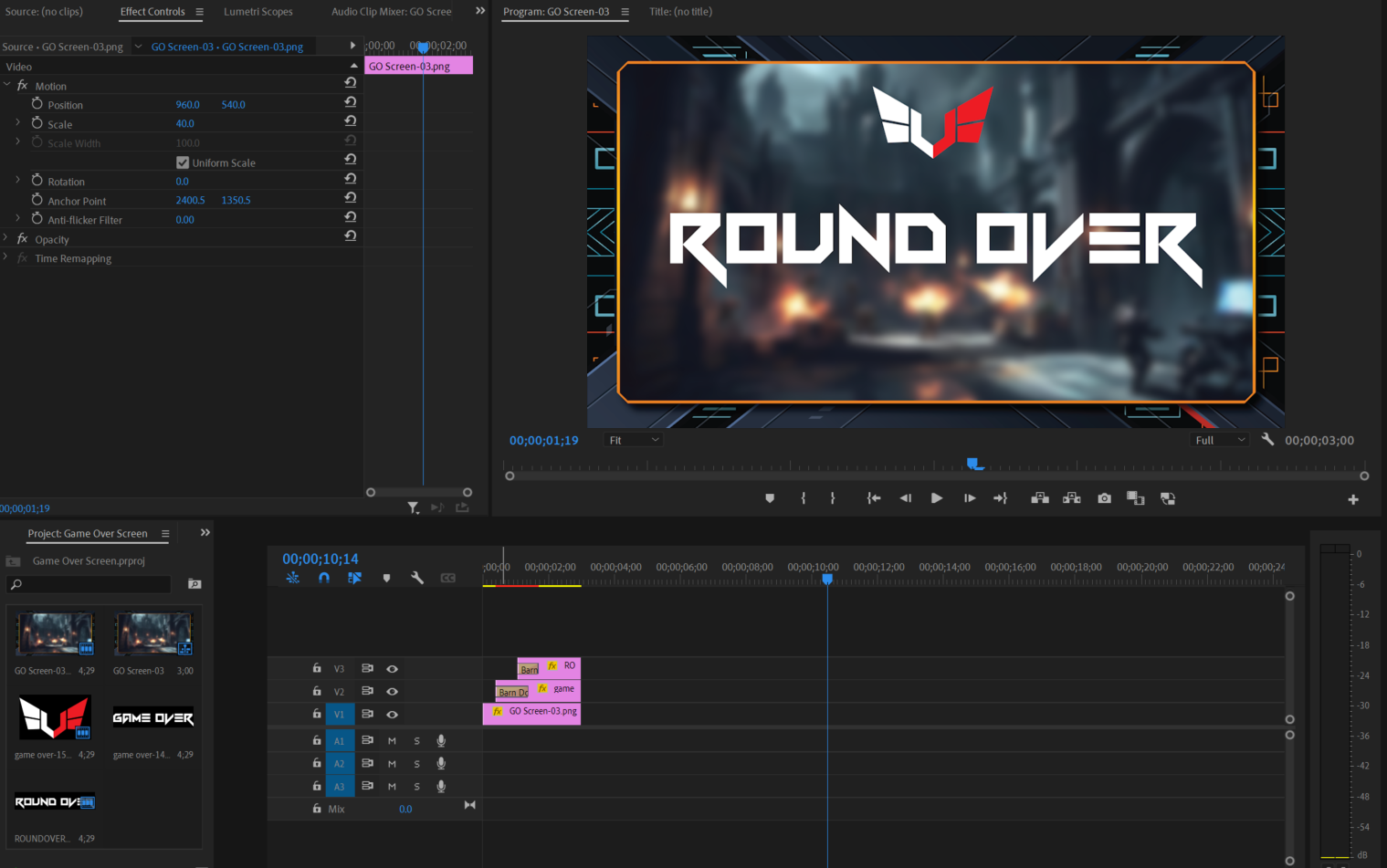
This video was then imported into our Unity project, where I integrated it using a screen texture on a video layer component. This texture was subsequently attached to a raw image within the Canvas. At the start of the scene, the video plays automatically and transitions to the stats panel upon completion. This transition is managed through the VideoEndDetector class. Here is the script:
using UnityEngine;
using UnityEngine.Video;
using UnityEngine.SceneManagement;
using UnityEngine.UI;


public class VideoEndDetector : MonoBehaviour
{
    public VideoPlayer videoPlayer;
    public GameObject rawImageGameObject;

    void Start()
    {
        videoPlayer.isLooping = false;
        videoPlayer.Play();
        videoPlayer.loopPointReached += EndReached;
    }

    void EndReached(VideoPlayer vp)
    {
        Destroy(rawImageGameObject);  // Destroy only the GameObject with the RawImage
    }
}
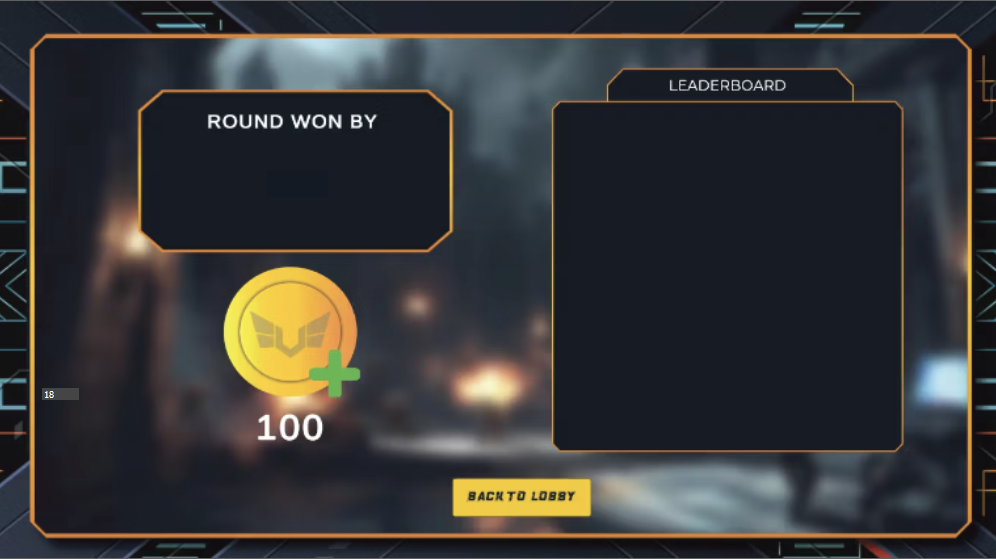
The stats panel features a leaderboard and includes a dedicated section on the left to display the winning team. Below this, a Coin UI indicates the number of gold coins won. At the bottom of the panel, there is a button that allows players to return to the lobby. All UI elements were designed in Adobe Illustrator.
In-Game Shop Integration
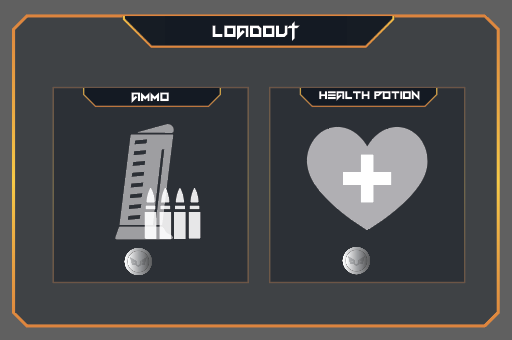
To enhance gameplay and provide a use for the silver coins players earn, we introduced an in-game shop. This shop panel becomes accessible in the scene by pressing the 'B' key.
Win Condition Mechanics
Thanks to Molly, our win condition mechanics are now fully operational. At the end of each round we have a winning realm displayed in the Winner section.
Moving forward considering we are close to deadline, we plan to further enhance our Start Menu to include more functional options such as sound and brightness adjustments. We are also eager to update the game's audio and expand game shop.
Thank you for reading my blog. Stay tuned for updates.
Shashank Kumar Sukumar Singh